AudioRing
This experiment explores the way we can manipulate visuals based on audio or sounds in the environment. Based on experiment 1, we are to consider the audio or sounds that have at least 3 (data) distinctively different pitch or tempo to it.
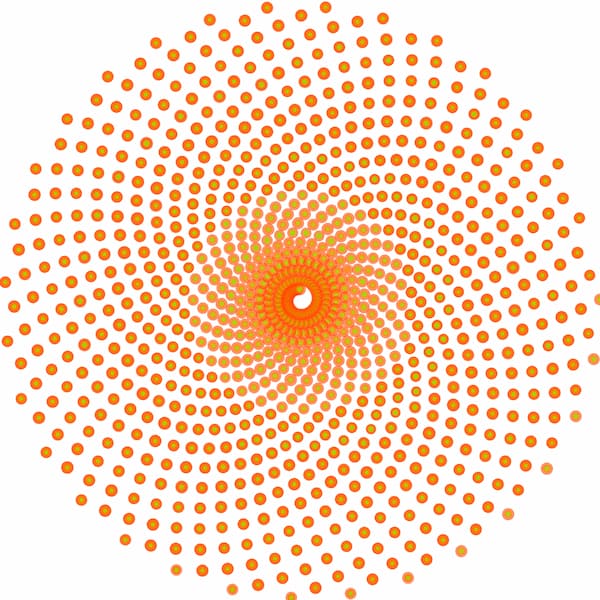
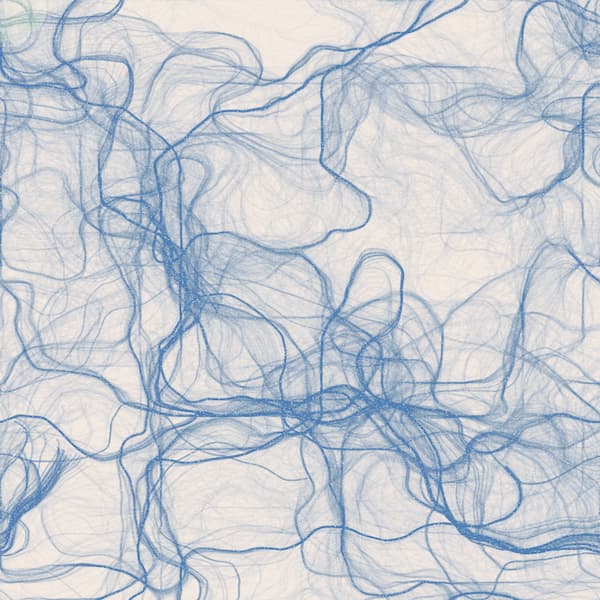
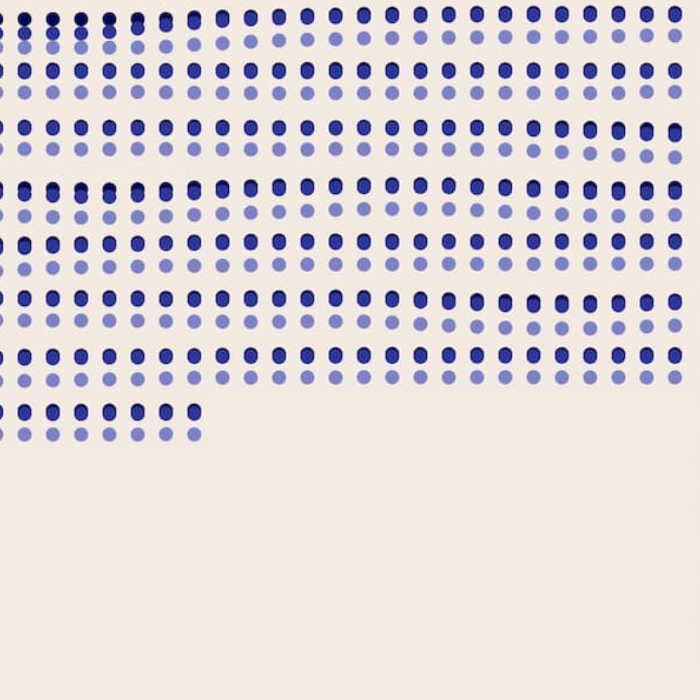
Above are the sketches we came up with during the process of integrating audio as data to our codes. The works above were produced using p5.js. The first two on the left portrays the shapes moving or ‘flowing’ based on the audio. The one of the very left moves in a circular motion and slowly moves inwards towards the centre of the shape whilst the middle one portrays the lines flowing randomly based on the audio. The one on the far right is a sketch we did for the music score.
The sketches below are the final artworks. We ended up going for the audio ring equaliser look. The music scores can be seen on the far left and right.
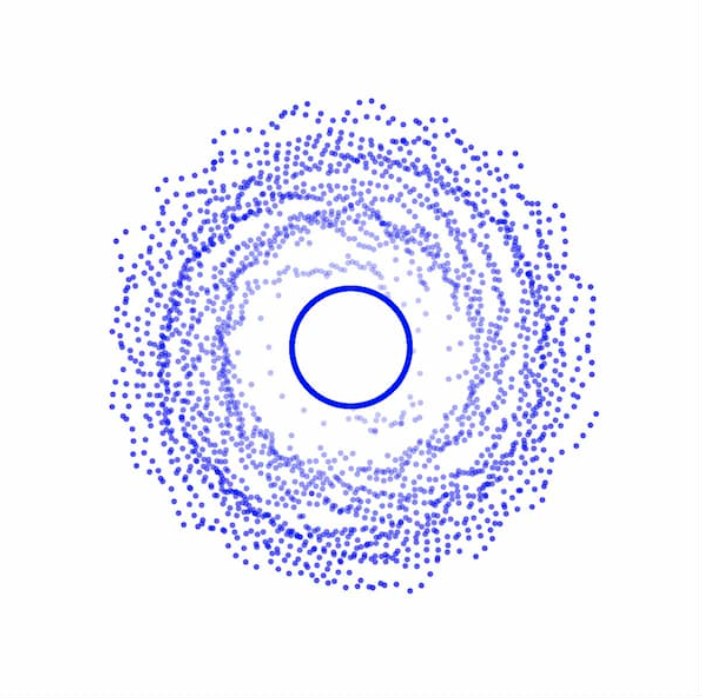
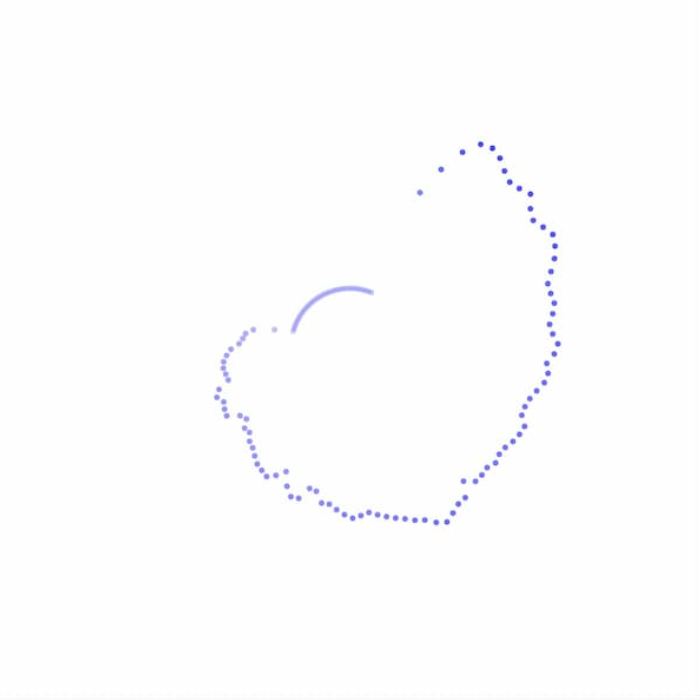
We ended up using TouchDesigner to come up with the audio ring as we felt that it was easier to control the movements to imitate parts of the audio, as it can be quite confusing to control the codes on p5.js.
Music Score Poster
The following are images of the music score, based on the audio we used. The posters form also follow the shape of the ellipse, to have consistency and a sense of continuity throughout the experiments.
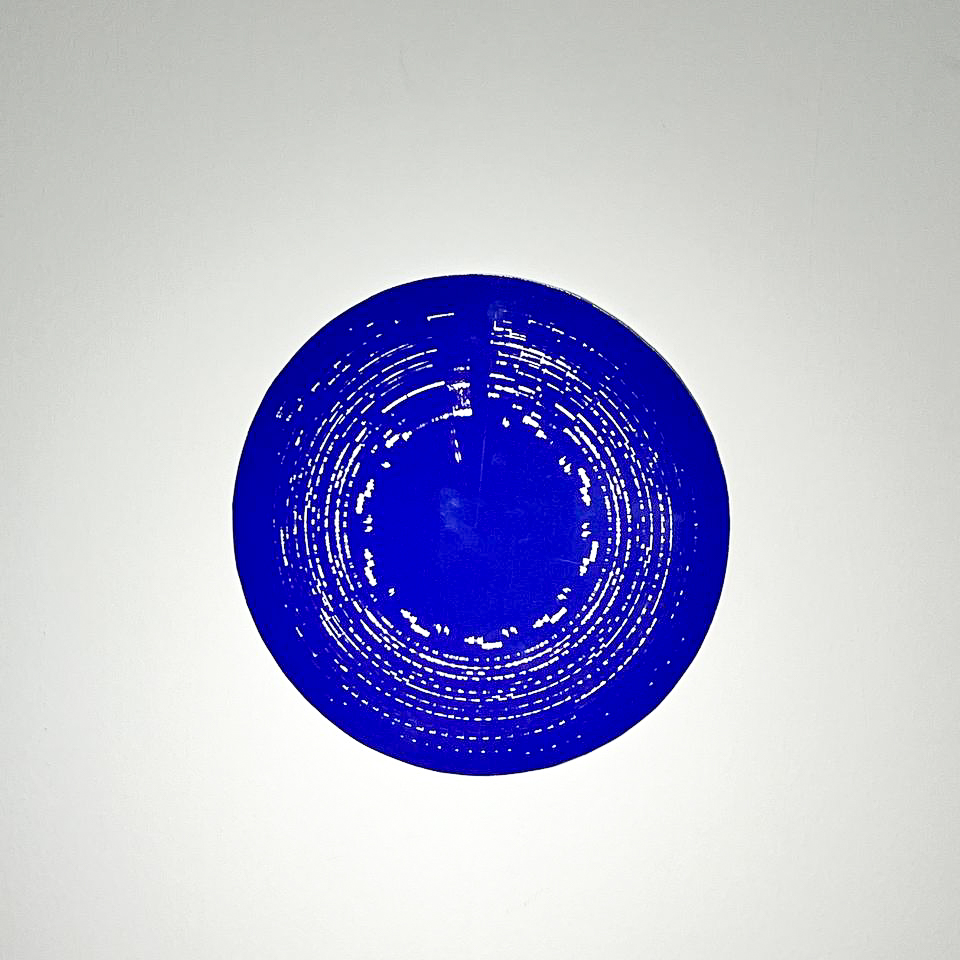
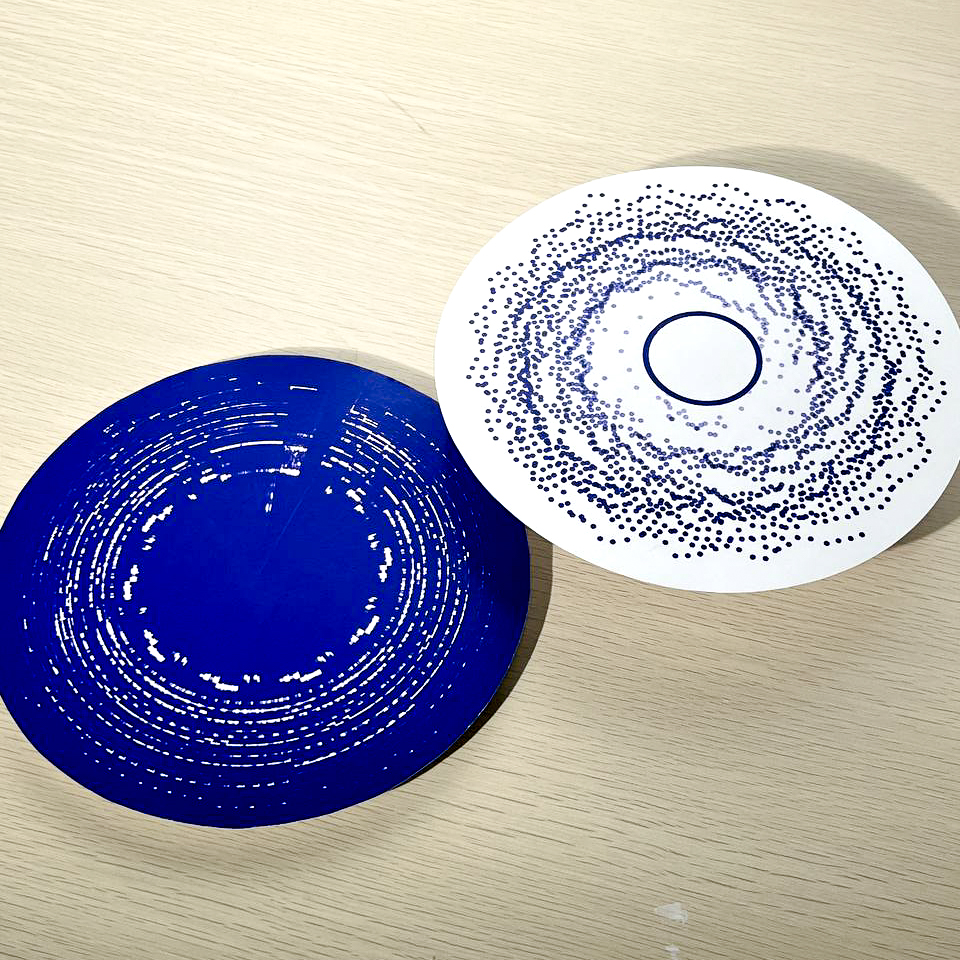
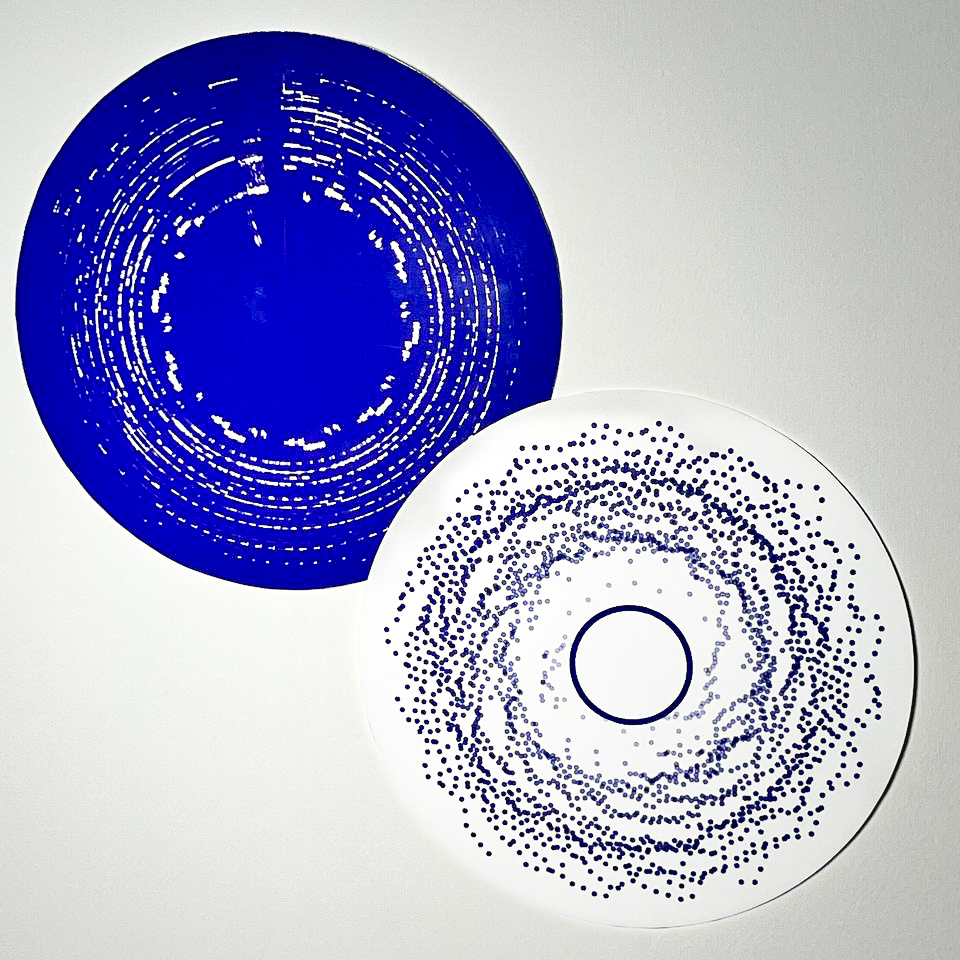
We found it really cool that we can integrate audio as a data for the codes to use it and generate the sketch. With guidance from the lecturers, we were able to learn new ways about p5.js and TouchDesigner, and how we can manipulate the codes to read the data or the readings of the bass or tempo of the audio.